
Any affiliate links in this post will be clearly marked with a * and if you click a link and buy a product, then I may receive a small commission at no extra cost to you. Thank you for supporting my blog!
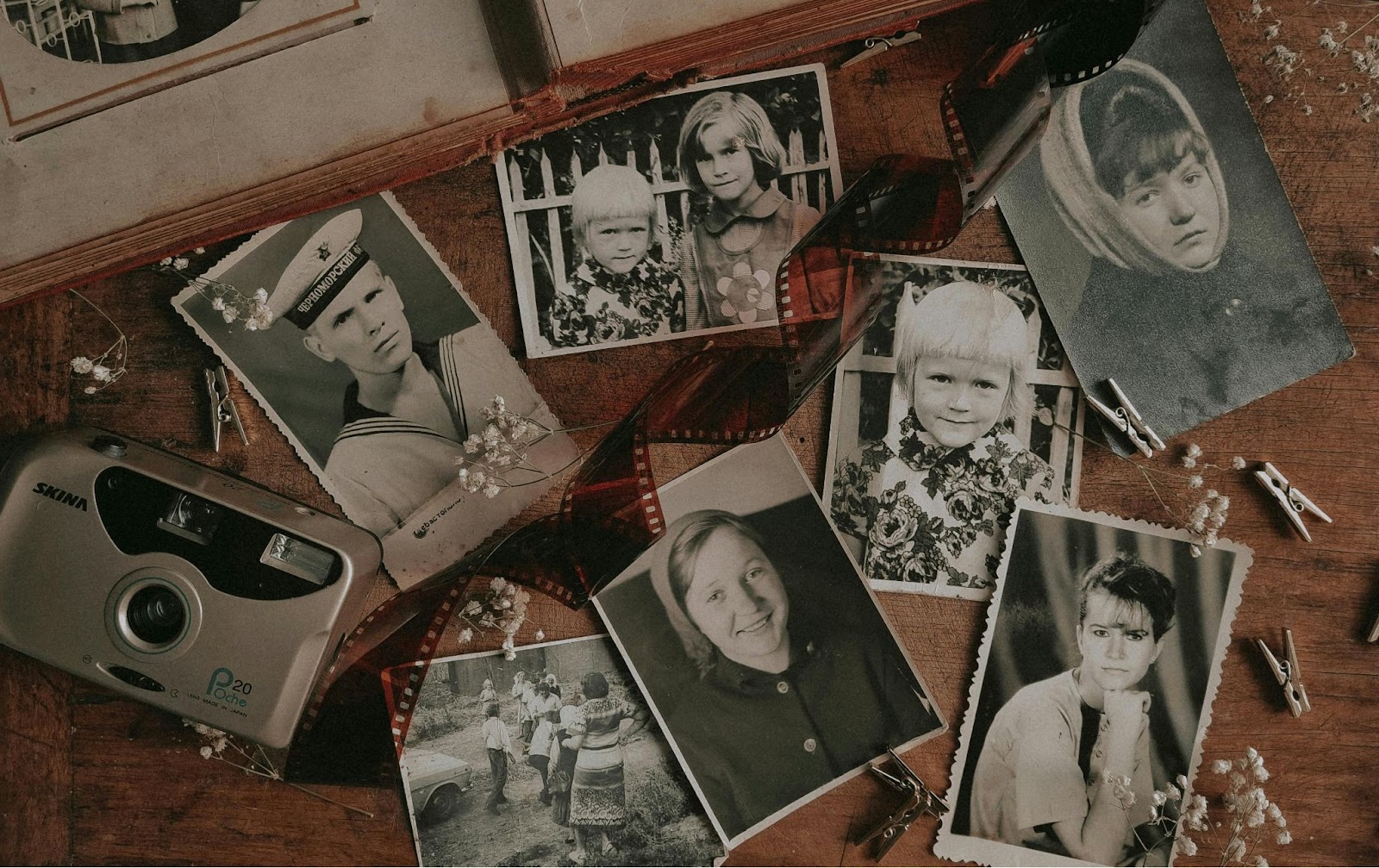
The Christmas season often makes us think of the past as we spend time with family and remember special moments from previous years. A great way to enjoy this feeling is by bringing new life to old family photos. This fun activity not only connects generations but also gives us a chance to share stories, find hidden treasures in the attic, and laugh about old hairstyles and clothes. One fun and engaging way to keep these memories alive is to add colour to old black-and-white family photos. Using easy tools like PhotoGlory, you can quickly change faded memories into bright snapshots of the past. Visit PhotoGlory to check out their simple photo colorization features and enhance your family albums with just a few clicks.

A Joyful Holiday Project for the Entire Family
Winter holidays naturally encourage togetherness, but finding an activity that appeals to all ages can be tricky. Digitally enhancing old photographs offers the perfect balance: it’s creative, meaningful, and suitable for children, parents, and grandparents alike. As a cherry on top, photo cards themselves remain as vintage as they are.
Just imagine sitting around the fireplace with a steaming cup of cocoa, poring over a family album, and picking which snapshots to revive. This shared activity not only enriches your family’s history but also fosters meaningful conversations as you learn more about your roots. Colourising photos becomes a hands-on journey through time, one that creates fresh connections and makes long-lost memories vivid again.
How to Colourise Old Photos Step-by-Step
PhotoGlory simplifies the process of adding colour to monochromatic photos, making it accessible even to beginners. Follow these straightforward steps to embark on your photo revival journey:
- Download and Install PhotoGlory
Begin by downloading PhotoGlory and launching the application. Its intuitive interface ensures that even non-tech-savvy users will feel right at home. - Upload Your Photo
Select the black-and-white image you wish to colorize. Drag and drop it into the editor or use the upload button to load it seamlessly. - Automate the Magic
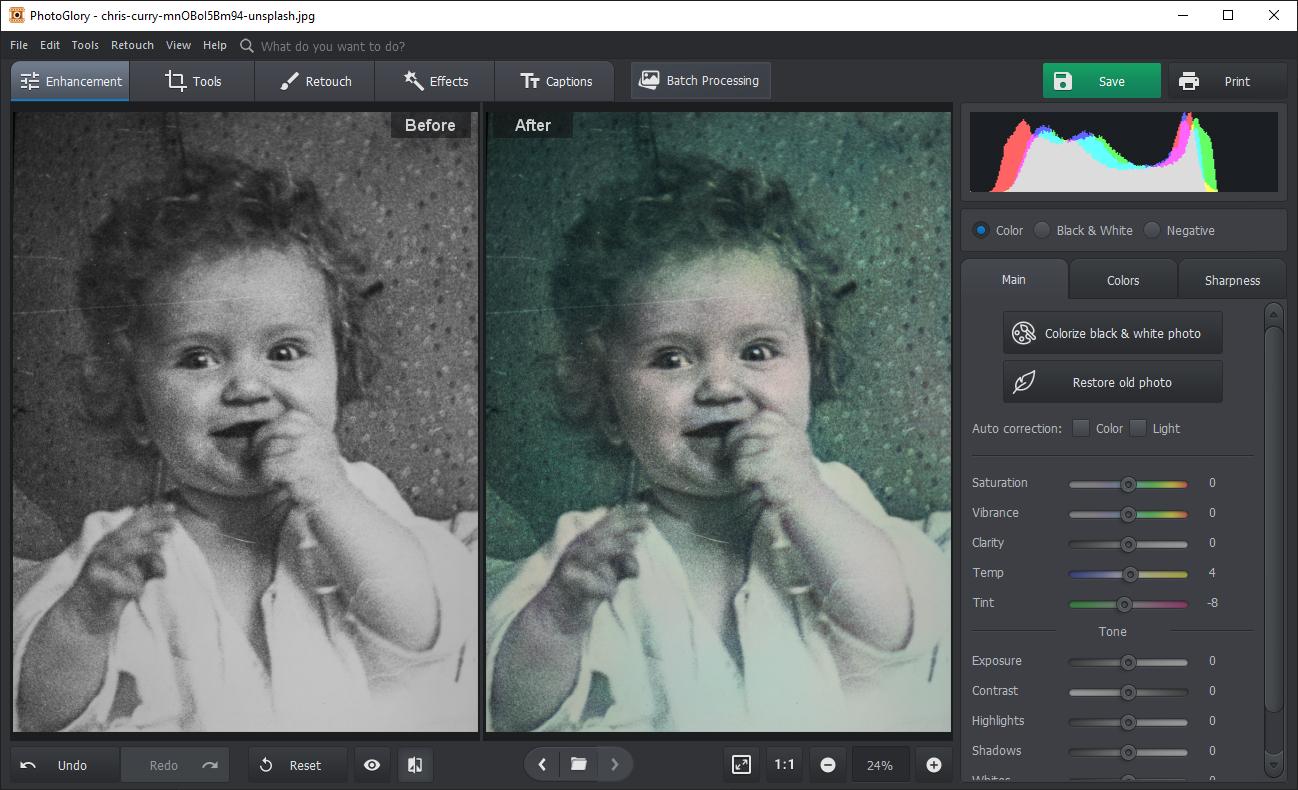
PhotoGlory’s automatic colorization tool employs advanced AI to analyze the image and apply realistic hues instantly. Simply click the “Colorize” button, and watch as sepia tones evolve into natural skin tones, crisp greens, and vibrant skies.
- Fine-Tune with Precision Tools
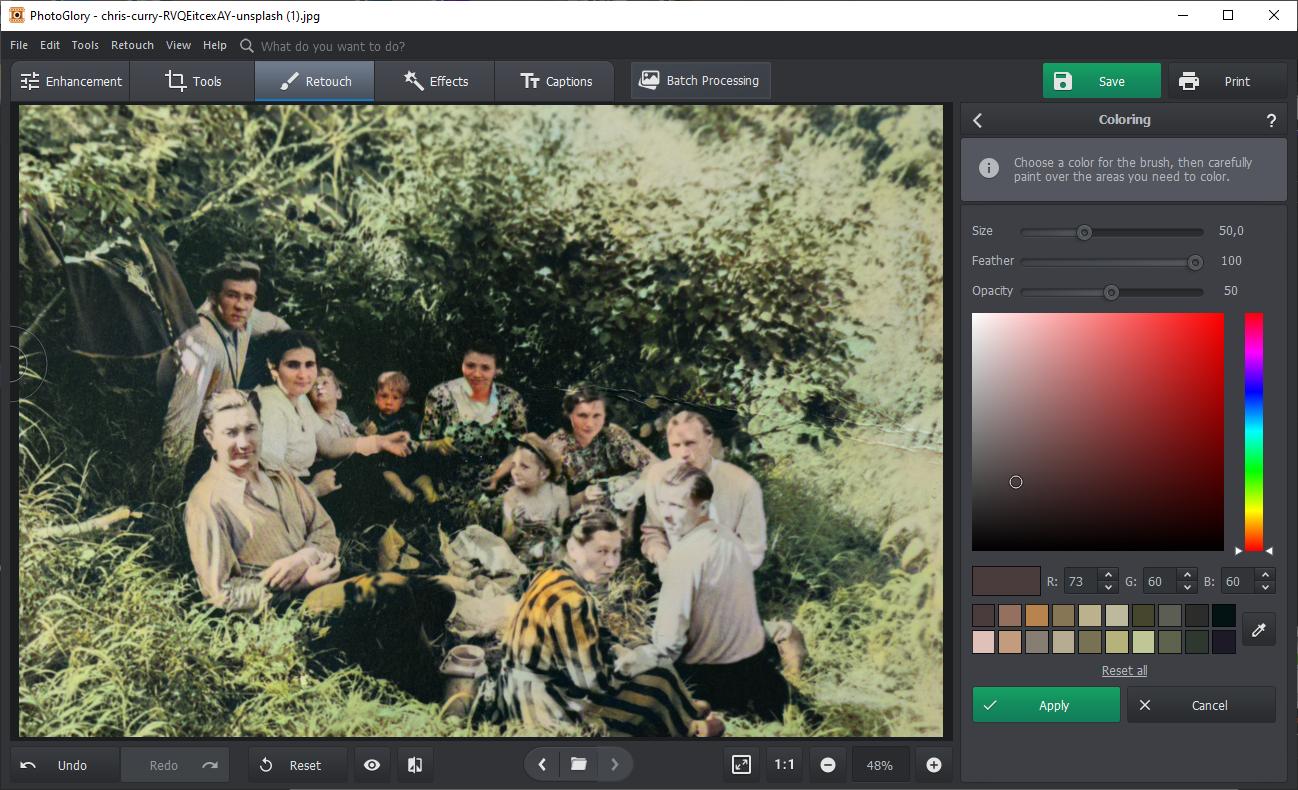
If the automated result requires tweaks, PhotoGlory offers manual adjustment tools. You can refine specific areas by adding custom colours or adjusting saturation and brightness for optimal results.
- Save Your Creation
Once satisfied, save your image and add it to your revamped family album.
And that’s how to add colour to old photos! Simple, right? Aside from colorization, PhotoGlory boasts additional features like scratch removal, cropping, and photo retouching, making it an all-in-one tool for photo restoration.
Exploring Alternatives
While PhotoGlory excels in simplicity and efficiency, there are other tools worth exploring:
- FixMyPics: A straightforward online option for quick color adjustments and minor touch-ups.
- Nero AI Photo Restoration: Offers powerful AI-driven restoration capabilities, perfect for heavily damaged photos.
- Adobe Photoshop: A professional-grade tool ideal for advanced users who want maximum control over every pixel.
Each of these alternatives provides unique advantages, but PhotoGlory remains a top choice for families looking for an effortless and enjoyable experience.
Why the Holidays Are Perfect for Photo Restoration
The holiday season is inherently steeped in tradition and storytelling, making it the perfect backdrop for rediscovering old photographs. As snow falls and festive lights twinkle, colorizing photos transforms into a heartwarming ritual that brings everyone together.
Even younger children can join the fun by suggesting colors for clothes or flowers, while older family members recount the stories behind each snapshot. The result? A blend of digital creativity and heartfelt nostalgia, leaving you with not just updated photos but also a renewed appreciation for your family’s history.
Create Timeless Memories Together
As you gather this holiday season, let colorizing old photos serve as a reminder of the enduring bonds that tie generations together. By transforming faded images into vibrant visuals, you’re not just preserving history—you’re making new memories in the process.
So grab those albums, fire up PhotoGlory, and let the magic unfold. This shared journey of discovery and creativity will surely become one of your family’s most cherished holiday traditions.
* This is a collaborative post
If you have enjoyed this post and found it useful, here are some ways you can say thanks and support Hannah And The Twiglets:
- Click here to buy me a virtual coffee 🙂
- Share this post with your friends 🙂
- Follow Hannah And The Twiglets on Instagram, Facebook and Twitter 🙂