Any affiliate links in this post will be clearly marked with a * and if you click a link and buy a product, then I may receive a small commission at no extra cost to you. Thank you for supporting my blog!
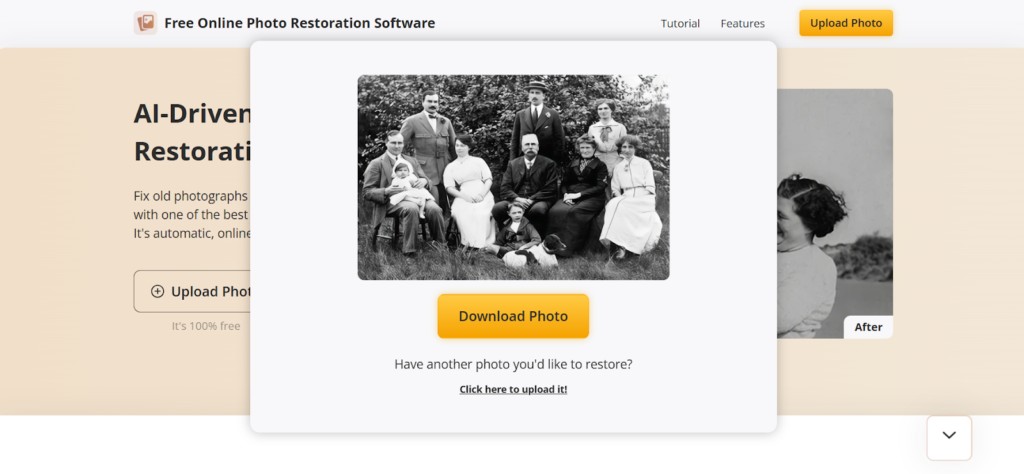
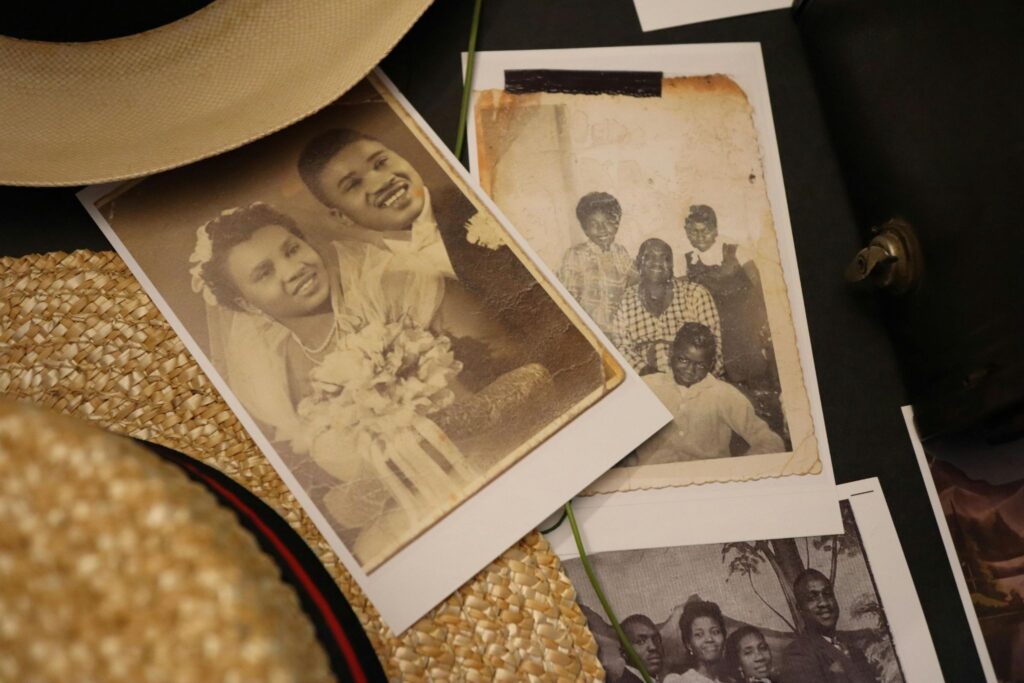
We all have that one album, box, or drawer. It’s full of captured memories, a wedding from the 60s, a holiday from the 80s, or a photo of a great grandparent you never met. Unfortunately, the passage of time is not kind to these treasures. They fade, scuff or curl, and deteriorate. For many years, the thought of restoring these photos has felt like a specialist’s job, something that is out of reach and costly. These days, there’s no need to send pictures away or learn complicated software. Tools like https://old-photo-restoration.net/ make it possible to restore old photos online, automatically, and for free. You upload a photo, wait a short moment, and see a cleaner version come back. No downloads. No technical steps. It’s one of the fastest ways to rescue family memories before they disappear for good. What used to feel like specialist work is now something anyone can do in an afternoon.
Why Our Precious Photos Fade Away
Photographs look solid, but they’re surprisingly fragile.
Most older prints were made using chemical processes that react badly to time. Light slowly breaks down colours. Air causes oxidation. Heat speeds everything up. That’s why photos kept near windows or radiators fade faster than the rest.
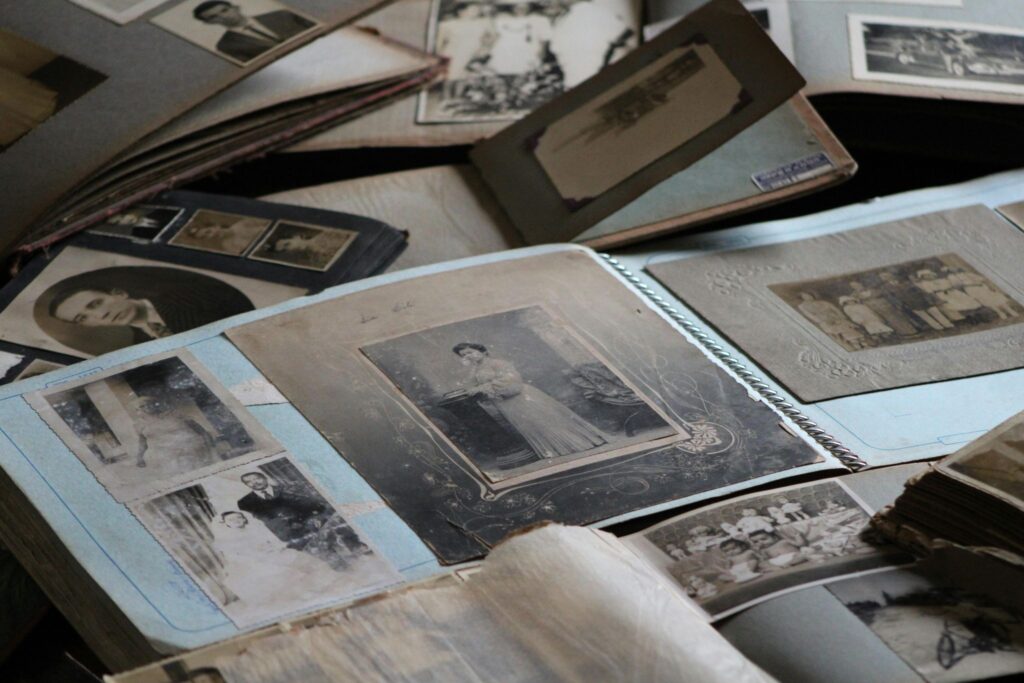
Storage makes a big difference too. Albums with glue pages, cheap plastic sleeves, or damp cupboards all leave their mark. Edges curl. Whites turn yellow. Blacks lose depth.
Then there’s handling. Photos get passed around at family gatherings. Fingers leave oils behind. Tiny scratches build up over decades. None of this is dramatic on its own, but it adds up.
Negatives and slides don’t escape either. Some colour films from the late twentieth century are known to degrade badly. Once the colours go, they don’t come back on their own.
How Photo Restoration Used to Be Done
Not that long ago, restoring photos was slow and expensive.
A professional would scan the image at high resolution. Then came the manual work. Every scratch removed by hand. Faces carefully sharpened. Colours adjusted using experience rather than certainty. One mistake could ruin the image.
This took hours, sometimes days. Prices reflected that. Families often chose just one or two “important” photos to restore and left the rest untouched.
For most people, it simply wasn’t realistic to restore entire collections.
The AI Revolution: How It Works in Minutes
AI didn’t just speed things up. It changed who could do it.
Modern AI tools have turned this lengthy process on its head. The technology isn’t just applying a simple filter. It’s using something called a neural network, trained on millions of pairs of images. It has seen countless examples of what scratched, faded, and blurry photos look like, and it knows what their clean, original versions looked like.
You upload your scanned photo. The AI doesn’t see a “face.” It analyses patterns, textures, and structures. A deep scratch is recognised as an anomaly in the texture pattern, and the AI intelligently fills it in with what should be there, based on the surrounding pixels. Blurriness, especially in old portraits, is sharpened as the model understands facial features. It can differentiate between a strand of hair and a crack in the emulsion.
The Most Common Problems AI Can Fix
Most family photos suffer from the same few issues. AI handles these especially well:
- Scratches and marks
Thin lines, dust spots, and surface damage are detected and filled in cleanly. - Soft focus
Faces that look slightly blurred are sharpened without the harsh look of old filters. - Low contrast
AI restores balance between light and dark areas, so details come back. - Small damaged areas
Minor tears or missing corners can often be rebuilt convincingly.
It won’t fix every photo perfectly, but the improvement is usually obvious.
Other AI Services to Explore
There are plenty of other clever services out there if you want to experiment. You might want to look into:
- MyHeritage: They have a very famous “In Color” feature that handles skin tones brilliantly.
- Remini: Popular for making very blurry faces look incredibly sharp.
- VanceAI: A solid choice for heavy-duty scratch removal.
- Hotpot AI: Good for quick, simple touch-ups on the fly.
Each has pros and cons. Online tools tend to be the easiest place to start, especially for large family archives.
How to Store Restored Photos Properly
Once your photos are restored, don’t stop there.
- Make more than one copy
Use at least two storage options, such as an external drive and cloud storage. - Keep the original scan
Save the untouched version alongside the restored one. - Name files clearly
Dates, names, and events help future generations understand what they’re seeing. - Check your backups occasionally
A quick check once a year is enough.
Digital photos last much longer when treated with a bit of care.
Why Restoring Photos Now Makes Sense
Every year, old photos become harder to save. Colours fade further. Paper weakens. At the same time, restoration tools keep getting better and easier to use.
AI makes this work accessible. Not perfect, but good enough to bring faces back into focus and stories back into conversations.
I’ve seen families rediscover photos they thought were unusable. That moment, when someone says “I forgot this existed”, is reason enough to do it.
Preserving memories doesn’t need to be complicated anymore. Sometimes it really does take just a few minutes.
* This is a collaborative post
If you have enjoyed this post and found it useful, here are some ways you can say thanks and support Hannah And The Twiglets:
- Click here to buy me a virtual coffee 🙂
- Share this post with your friends 🙂
- Follow Hannah And The Twiglets on Instagram, Facebook and Twitter 🙂